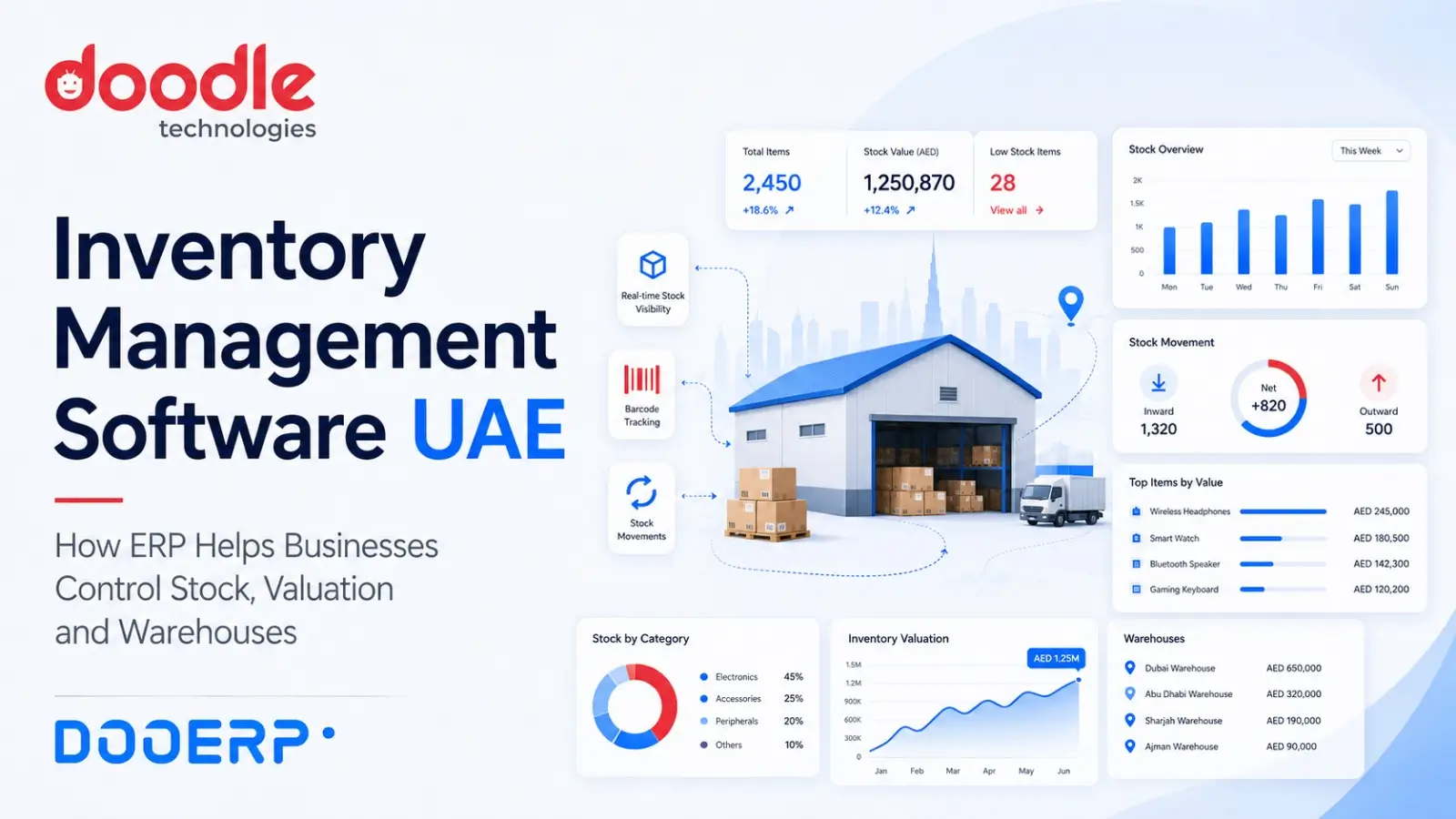
Inventory Management Software UAE: How ERP Helps Businesses Control Stock, Valuation and Warehouses
For many businesses, inventory is one of their largest investments.
Yet surprisingly, stock management is also one of the areas where businesses frequently struggle with inaccurate information.
The system may show 500 units while the warehouse physically has 460.
Sales may confirm an order without knowing that the available quantity has already been reserved.
Purchasing may reorder an item that is already available in another warehouse.
Finance may have a stock value that does not match the operational records.
As transaction volumes increase, these differences can become expensive.
This is why businesses looking for inventory management software in the UAE should consider more than simply finding software that records stock in and stock out.
Effective inventory management should connect purchasing, warehousing, sales, deliveries, accounting and management reporting within one structured process.
That is where an integrated ERP system becomes valuable.
What Is Inventory Management Software?
Inventory management software helps businesses track the movement, availability and value of items across their operations.
At a basic level, the system should answer three questions:
What stock do we have?
Where is it located?
What is it worth?
But modern inventory management goes much further.
Depending on the business, an inventory system can help manage:
- Item masters
- Multiple warehouses
- Stock receipts
- Stock issues
- Warehouse transfers
- Purchase receipts
- Customer deliveries
- Stock reconciliation
- Batch tracking
- Serial number tracking
- Reorder levels
- Stock valuation
- Reserved quantities
- Stock ageing
- Inventory reports
- Manufacturing consumption
- Finished goods
- Returns
The more complex the business becomes, the more important it is that these activities are connected rather than maintained independently.
Why Inventory Management Becomes Difficult as Businesses Grow
A small company may initially manage stock through Excel.
Someone updates purchases.
Another employee records sales.
The warehouse performs occasional physical counts.
Finance adjusts the value at the end of the month.
This may work when transaction volume is low.
However, the same approach becomes increasingly difficult when a business introduces:
- Hundreds or thousands of items
- Multiple warehouses
- Higher transaction volumes
- Multiple branches
- Different units of measurement
- Batch-controlled items
- Serialized products
- Manufacturing
- Imports
- Returns
- Transfers between locations
- Multiple sales teams
The challenge is no longer simply recording stock.
The challenge becomes maintaining an accurate transaction history across the entire business.
The Real Cost of Poor Inventory Control
Inventory discrepancies can affect much more than the warehouse.
Consider a simple example.
The system shows that 100 units of an item are available.
A salesperson confirms an order for 80 units.
When the warehouse prepares the delivery, only 50 units are physically available.
Now several departments are affected.
The sales team has to communicate with the customer.
Purchasing may have to arrange an urgent order.
The warehouse has to investigate the difference.
Finance may need to review the stock valuation.
Management may need to understand why the shortage occurred.
What appeared to be a small inventory discrepancy becomes a wider operational problem.
Good inventory management therefore affects:
- Customer service
- Working capital
- Purchasing
- Profitability
- Financial reporting
- Production planning
- Sales performance
- Operational efficiency
Inventory should not be treated as an isolated warehouse function.
1. Real-Time Stock Visibility
One of the most important requirements of an inventory management system is visibility.
Employees should be able to understand what stock is available without calling the warehouse or checking multiple spreadsheets.
A structured ERP system can maintain stock based on actual transactions such as:
- Purchase Receipt
- Delivery
- Stock Transfer
- Material Receipt
- Material Issue
- Manufacturing Consumption
- Stock Reconciliation
ERPNext, which forms part of the technology foundation behind DooERP, maintains stock balances by item and warehouse and supports structured stock transactions for receipts, deliveries, transfers and adjustments.
This provides a much clearer view of inventory movement.
Instead of simply seeing a final quantity, businesses can investigate how the quantity changed.
2. Managing Multiple Warehouses
Many UAE businesses operate inventory across more than one location.
For example:
- Main Warehouse
- Retail Warehouse
- Abu Dhabi Warehouse
- Dubai Warehouse
- Production Warehouse
- Finished Goods Warehouse
- Project Site Warehouse
- Transit Warehouse
Managing these locations through separate Excel sheets creates significant risk.
If 100 units are transferred from Dubai to Abu Dhabi, both locations need to be updated correctly.
If only one spreadsheet is updated, the company immediately has inaccurate inventory.
An ERP system can record the transfer as a single controlled transaction.
The source warehouse decreases while the destination warehouse increases.
ERPNext supports warehouse structures as well as stock transfers between warehouses. Its warehouse structure can also represent more detailed storage locations where required.
For management, this provides visibility into stock across the organization while still allowing warehouse-level reporting.
3. Connecting Purchasing with Inventory
Inventory management should begin before goods arrive at the warehouse.
Purchasing decisions depend heavily on stock information.
Without accurate inventory visibility, companies may:
- Purchase items already available
- Order too much
- Order too late
- Miss frequently required products
- Accumulate slow-moving stock
- Make emergency purchases at higher prices
An integrated ERP connects the purchasing process with inventory.
A typical process may look like:
Material Request → Purchase Order → Purchase Receipt → Purchase Invoice
When goods are physically received, the stock transaction can update inventory.
This gives procurement, warehouse and finance teams visibility into the same purchasing cycle.
4. Connecting Sales with Inventory
The same principle applies to sales.
Sales teams need visibility into stock availability before committing delivery dates to customers.
A connected ERP can help bring together:
Quotation → Sales Order → Delivery → Sales Invoice
This creates continuity between what the customer ordered, what the company committed to supply, what was actually delivered and what was invoiced.
Without this connection, sales and warehouse teams frequently operate from different information.
That can result in:
- Orders being accepted without sufficient stock
- Partial deliveries not being tracked correctly
- Duplicate deliveries
- Incorrect quantities
- Delayed invoicing
- Customer disputes
Inventory management becomes much more useful when it is connected directly with the sales process.
5. Stock Valuation Is Just as Important as Stock Quantity
Businesses often focus heavily on quantity.
But knowing that the warehouse contains 1,000 units is only half the picture.
Management also needs to know:
What is that inventory worth?
Inventory valuation affects the financial statements and ultimately profitability.
ERPNext supports inventory valuation and can connect inventory movements with accounting through perpetual inventory. Under perpetual inventory, relevant accounting entries are posted alongside stock transactions so that inventory and accounting records remain synchronized.
This connection between warehouse activity and accounting is one of the major advantages of using ERP rather than maintaining stock independently.
6. Physical Stock vs System Stock
No inventory system removes the need for physical control.
Even with good software, differences can occur due to:
- Data-entry mistakes
- Damaged goods
- Unrecorded consumption
- Incorrect quantities
- Theft or loss
- Operational mistakes
- Goods placed in the wrong location
Businesses should therefore perform physical stock counts and reconcile them with system quantities.
ERPNext provides Stock Reconciliation specifically for comparing and adjusting physical quantities against system records. It can also be used to establish opening stock when inventory is initially brought into the system.
This is an important control.
However, reconciliation should not become a method for repeatedly fixing unexplained errors.
If large discrepancies occur every month, management should investigate the underlying process.
Software can identify and record differences.
It cannot replace warehouse discipline.
7. Batch and Serial Number Tracking
Some businesses need to know more than the quantity of an item.
They may need to know exactly which unit or batch was received or sold.
This becomes particularly relevant for businesses dealing with products such as:
- Electronics
- Machinery
- Equipment
- Food products
- Medical products
- Spare parts
- Warranty-controlled products
Serial number tracking can help identify individual units.
Batch tracking can help group items that were manufactured or received together.
This can improve traceability when handling returns, warranty issues, expiry management or product investigations.
The exact tracking method should be designed around the operational requirement rather than enabled unnecessarily for every item.
8. Reorder Levels and Better Purchasing Decisions
One of the most common inventory problems is discovering that an item has run out only when a customer requests it.
This creates reactive purchasing.
Instead, businesses can define reorder levels for frequently required stock.
For example:
- Current Stock: 40 units
- Reorder Level: 50 units
- Reorder Quantity: 100 units
Once stock falls below the defined level, the system can help identify that replenishment is required.
However, businesses should avoid assuming that reorder levels alone will solve inventory planning.
The correct purchasing decision may also depend on:
- Historical consumption
- Confirmed customer orders
- Supplier lead time
- Seasonal demand
- Minimum supplier quantity
- Existing purchase orders
- Cash flow
- Storage capacity
The ERP provides the information.
Management still needs to apply commercial judgement.
9. Inventory Ageing and Slow-Moving Stock
Having too little stock creates one problem.
Having too much creates another.
Slow-moving and non-moving inventory ties up working capital and consumes warehouse space.
A business may appear to have AED 2 million worth of inventory, but if a significant portion has not moved for several years, its commercial value may be questionable.
Inventory ageing reports can help management identify stock that has remained in the warehouse for extended periods.
This can support decisions such as:
- Promotional pricing
- Clearance sales
- Reducing future purchasing
- Returning items to suppliers
- Reviewing obsolete products
- Adjusting inventory strategies
Inventory management is therefore not only about avoiding stock-outs.
It is also about avoiding unnecessary stock accumulation.
10. Units of Measurement Need Proper Control
Many businesses purchase, store and sell products using different units.
For example:
A product may be purchased by carton, stored by piece and sold by box.
Another material may be purchased in kilograms but consumed in smaller quantities during production.
If conversion factors are not properly defined, inventory quantities and costing can quickly become inaccurate.
A good ERP implementation should clearly define:
- Stock Unit of Measure
- Purchase Unit
- Sales Unit
- Conversion Factors
This should be established during master-data preparation rather than corrected after transactions begin.
Poor item-master configuration is one of the fastest ways to create long-term inventory problems.
11. Inventory and Manufacturing
For manufacturing businesses, inventory management becomes even more important.
The business needs visibility into:
- Raw Materials
- Work in Progress
- Consumables
- Finished Goods
- Scrap
- Material Transfers
- Production Consumption
Manufacturing should not operate separately from inventory.
If a production order requires 500 kg of raw material, the system needs to understand whether that material is available.
When materials are consumed, stock should reduce appropriately.
When production is completed, finished goods should be recorded.
This creates traceability between purchasing, inventory, production and sales.
12. Inventory Reports Management Should Monitor
Businesses should avoid collecting data without using it.
A well-configured inventory system should help management review information such as:
- Stock Balance
- Warehouse-wise Stock
- Stock Ledger
- Inventory Valuation
- Stock Ageing
- Item Movement
- Incoming Stock
- Reserved Stock
- Reorder Requirements
- Fast-moving Items
- Slow-moving Items
- Stock Adjustments
Different industries will require different reports.
The important point is that management should define the decisions it wants to make first and then determine which reports support those decisions.
Why Excel Becomes Risky for Inventory Management
Excel is flexible, inexpensive and familiar.
For small inventories, it may work perfectly well.
Problems begin when several users and departments depend on the same stock information.
Common challenges include:
- Multiple versions of files
- Accidental formula changes
- Manual data entry
- Limited transaction history
- Difficulty controlling permissions
- Delayed updates
- No connection with accounting
- No connection with purchasing
- No connection with sales
The issue is therefore not that Excel is a bad tool.
It is that a spreadsheet is not always the right tool for managing a growing transactional process.
ERP should become the primary source of inventory transactions, while Excel can continue to be useful for analysis where appropriate.
Inventory Accuracy Starts with Good Master Data
Buying inventory software does not automatically create accurate inventory.
The quality of the system depends heavily on the quality of the data entered into it.
Before implementing inventory management software, businesses should review:
- Item Codes
- Item Names
- Item Groups
- Units of Measurement
- Conversion Factors
- Opening Quantities
- Opening Valuation
- Warehouse Structure
- Batch Requirements
- Serial Number Requirements
- Reorder Levels
- Supplier Information
Duplicate and inconsistent item masters should be cleaned before migration.
For example, these should not accidentally exist as three different products:
- MUSTARD OIL 5L
- Mustard Oil 5 Ltr
- MustardOil-5L
Once transactions begin against duplicate item records, cleaning the data becomes significantly more complicated.
A strong ERP implementation therefore spends time on master-data preparation before Go-Live.
Do Not Automate a Broken Warehouse Process
This is another important consideration.
ERP can provide strong controls, but only if operational processes are followed.
Suppose warehouse employees physically move material between locations without recording the transfer in the ERP.
The software will still show the material in the original warehouse.
This is not a software error.
It is a process failure.
Before implementation, businesses should define:
- Who records receipts?
- Who records deliveries?
- Who can transfer stock?
- Who approves adjustments?
- When should transactions be entered?
- Who performs stock reconciliation?
- How are damaged goods handled?
- How are returns processed?
Technology works best when responsibilities are clear.
Standalone Inventory Software vs ERP Inventory Management
Businesses can choose standalone inventory software instead of a full ERP.
In some cases, this is the right approach.
Standalone inventory software may be suitable when:
- Inventory is the only major problem
- Accounting is already handled effectively elsewhere
- Sales processes are simple
- Integration requirements are limited
- The business does not require wider ERP functionality
ERP becomes more valuable when inventory needs to connect with:
- Accounting
- Sales
- Purchasing
- Manufacturing
- Projects
- Customer Orders
- Supplier Transactions
- Management Reporting
The decision should therefore depend on how connected the inventory process needs to be.
What Is DooERP?
DooERP by Doodle Technologies is a customizable ERP solution designed to connect different business functions through one integrated platform.
DooERP is built using the Frappe and ERPNext ecosystem and is configured and customized by Doodle Technologies according to organizational requirements.
Depending on the implementation scope, DooERP can help businesses manage:
- Inventory
- Warehouses
- Purchasing
- Sales
- Accounting
- CRM
- Manufacturing
- Projects
- Assets
- HR and Payroll
- Workflows
- Reports and Dashboards
- Third-party integrations
For inventory-driven businesses, the advantage is that stock does not have to operate as a separate system.
Purchases can affect inventory.
Inventory can affect sales.
Sales can affect accounting.
Manufacturing can consume and produce stock.
Management reports can bring information from these processes together.
This creates a more connected view of the business.
Why DooERP Uses the Frappe and ERPNext Foundation
ERPNext includes structured stock functionality covering inventory tracking, warehouse management, stock movements, reconciliation and reporting.
DooERP builds on this foundation.
Doodle Technologies can use standard ERP functionality where it matches the business requirement and configure or customize additional workflows, reports, integrations and functionality where genuinely required.
This is particularly valuable for organization’s whose inventory processes are more complex than a standard buy-and-sell model.
The objective is not to customize everything.
The objective is to create the right balance between standardization and business-specific requirements.
Questions to Ask Before Choosing Inventory Management Software in the UAE
Before selecting a system, businesses should ask:
- How many items do we manage?
- How many warehouses or locations do we have?
- Do we need batch tracking?
- Do we need serial number tracking?
- Do we use multiple units of measurement?
- How frequently do stock discrepancies occur?
- Do sales teams need real-time stock visibility?
- Does purchasing depend on inventory levels?
- Do we manufacture products?
- Do we need stock valuation integrated with accounting?
- Do we need warehouse transfers?
- Do we need reorder controls?
- How do we currently perform stock reconciliation?
- What inventory reports does management require?
- Do we need integration with barcode devices or other systems?
- Does the system need to support multiple companies?
These questions help determine whether the organization needs basic inventory software or a broader ERP solution.
Final Thoughts
Inventory management is not simply a warehouse responsibility.
Stock affects cash flow, sales, purchasing, profitability, customer service and financial reporting.
As UAE businesses grow, maintaining inventory through disconnected spreadsheets and applications can make it increasingly difficult to understand what stock is available, where it is located and what it is worth.
The right inventory management system should create visibility across the complete stock lifecycle:
Purchase → Receipt → Storage → Transfer → Sale → Delivery → Accounting
For organization’s with more complex operations, integrating inventory with the wider ERP environment can provide significantly greater control than treating stock as an independent activity.
But software is only one part of the solution.
Accurate inventory also requires:
- Clean master data
- Correct opening balances
- Defined warehouse processes
- User responsibility
- Regular reconciliation
- Management review
When technology and operational discipline work together, businesses can move from simply recording stock to actually controlling inventory.
Looking for Inventory Management Software in the UAE?
Doodle Technologies helps UAE businesses implement and customize inventory and ERP solutions based on their operational requirements.
Through DooERP, businesses can connect inventory with purchasing, sales, accounting, manufacturing and management reporting within a flexible platform built on the Frappe and ERPNext ecosystem.
Contact Doodle Technologies to schedule a DooERP consultation or product demonstration and explore how your inventory processes can be managed through an integrated ERP system.

Addresses
-
Al Sayid St Office 302, Saeed Abdulla Nasser
Al Junaibi Bldg - Al Zahiyah - Abu Dhabi
United Arab Emirates -
Rashid Al Makhawi Building - 18 - Mezzanine
Floor 109 Umm Hurair Rd - Oud Metha -
Dubai United Arab Emirates
- Abu Dhabi: +971 2 6711 640
- Dubai: +971 4 2619 680